Real-Time Alerts
Text, email, push notification, desktop, and web portal alerts. Your team decides who gets notified and how.
 TraknProtect
Follow the alert journey from the moment a staff member presses their button to the moment the response team arrives at the reported location.
A staff member presses their assigned safety button from the room or area where they need help.
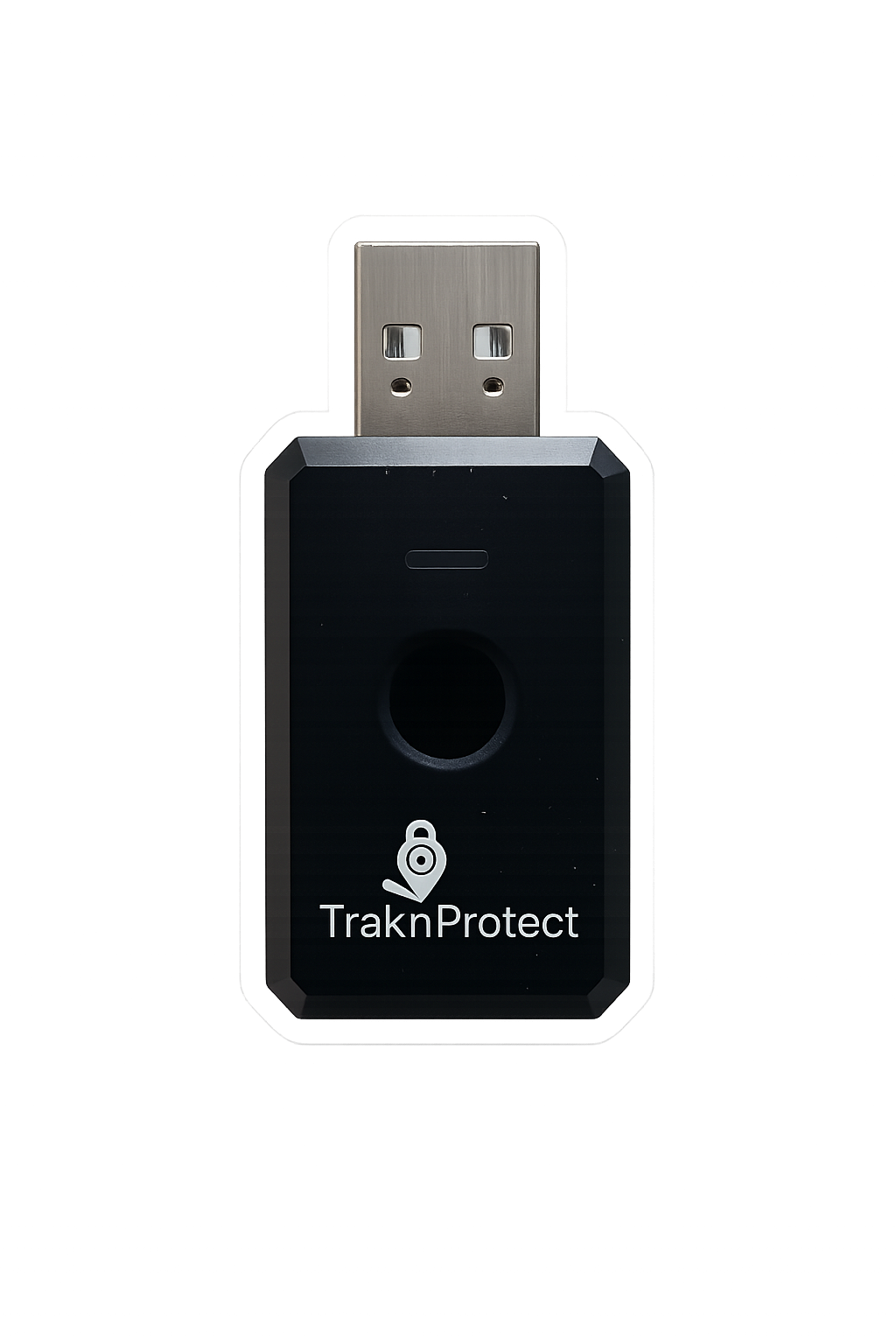
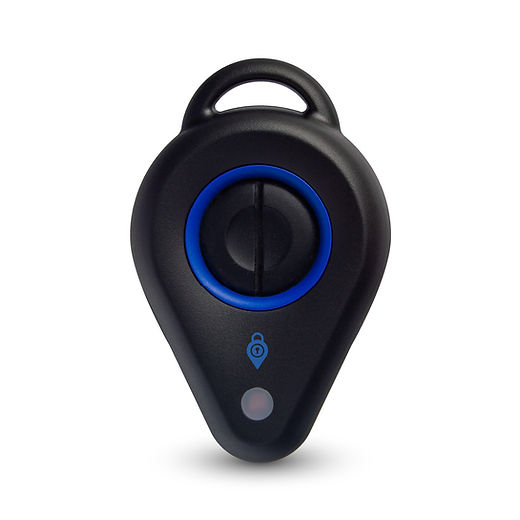
TraknProtect combines fast alerts, location visibility, confirmation feedback, and incident documentation in one practical workflow.
Text, email, push notification, desktop, and web portal alerts. Your team decides who gets notified and how.
Responders can see where an alert was triggered, helping them identify the right room, floor, or area faster.
Visual and haptic feedback lets the employee know their alert has been sent.
Notes, photos, and incident details can be captured directly in the app after a response.
Designed to reduce accidental activations while keeping emergency access simple for staff.